
1.1 Login to Starter using your email address and Password.
The Home screen will display.
1.2 The Search bar is at the top of the screen, next to the Welcome section.

1.3 To search simply type in the keyword that you want to find.
Note: the search will look at all content not just the folder/asset name or title
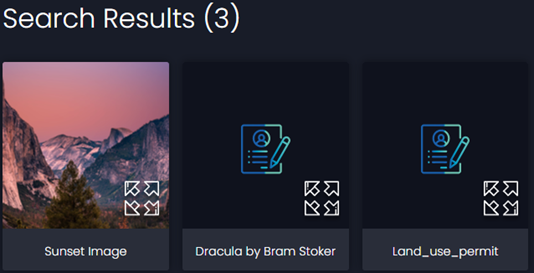
For example the above search for the word ‘sunset’ returned 3 results;
Once where the word ‘sunset’ is in the title of an image
Twice where the word ‘sunset’ is included in the content of the asset, i.e. in the ebook of Dracula.
1.4 From here you can view each result.